
School Expense Management
Know where every rupee goes. Record each expense with its category and receipt, let each admin see only what they should, and compare income with expenses in one report.
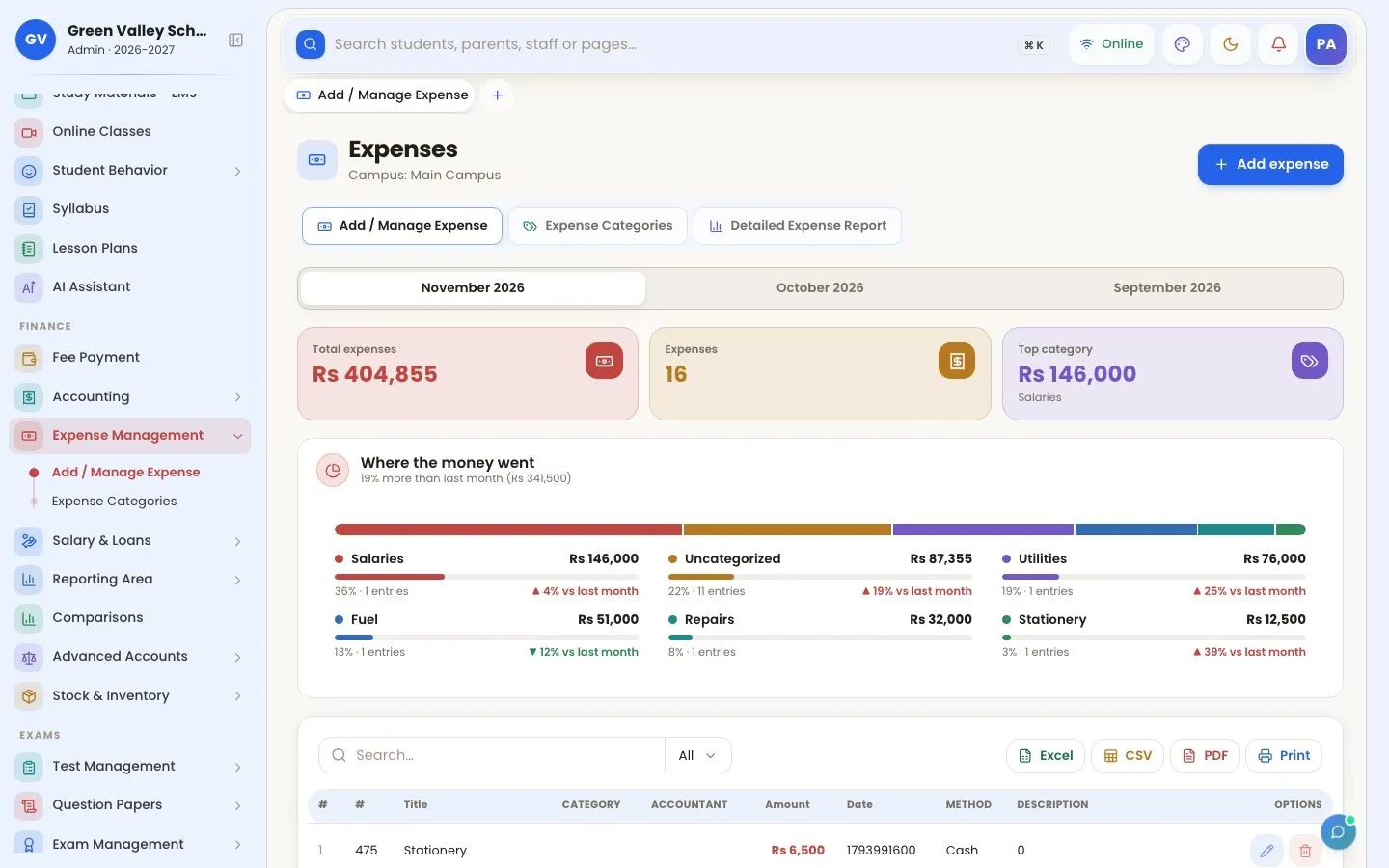

What you can do
- Expenses by category (salaries, utilities, maintenance, stationery — your own list)
- Receipt photo or PDF attached to each expense
- Who edits what: the owner edits every expense; other admins and accountants only their own, on the same day
- Income and expense report for any day, month or year
- Detailed expense report by category
- Petty cash, vendors and bills, and budgets in the accounts module
How to use it
Set categories
Your own expense heads, once.
Record expenses
Amount, category, date and the receipt.
Review
Income against expense, by month or category.
More screens


Frequently asked questions
Can we attach the bill or receipt?
Yes, a photo or PDF with every expense.
Can the owner see every expense?
Yes. The super admin sees and can edit every expense of the campus.
Works together with
Accounts & Reports
Income and expense accounts, bank and cash, balance sheet, campus comparison and owner daily summary — every rupee of the school in one place.
Reports & Analytics
Fee, income, expense, class and exam reports, campus comparison, exam analysis, and an end-of-day summary for the owner by WhatsApp or email.
Fee Management
Generate monthly fees, print vouchers, take partial payments, collect online by JazzCash, Easypaisa and bank, and send fee reminders on WhatsApp.
Try OurSchoolSoftware — first month free
Create your free account in two minutes — no payment needed. Your school is ready to use straight away, with every feature of the package you choose.