
School Attendance System
Mark attendance the way that suits each campus — the class teacher on the phone, an ID-card scan at the gate, or fingerprint and face machines for staff. Parents of absent students get a WhatsApp or SMS within minutes.
What you can do
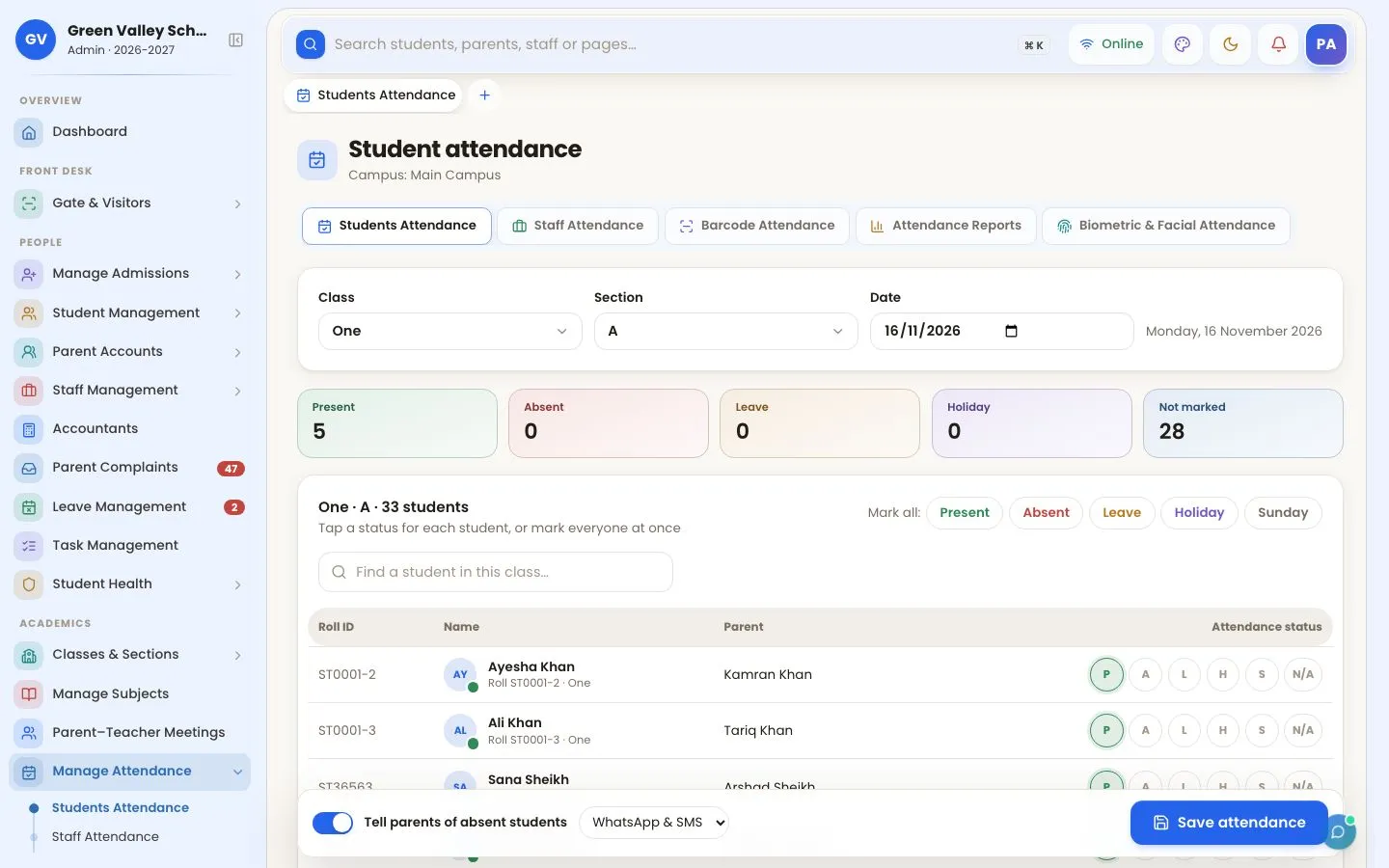
- Class-wise student attendance by the class teacher on web or mobile
- ID card QR / barcode scanning at the gate, with check-in and check-out times
- Biometric fingerprint and face machines (ZKTeco and compatible) for staff and students
- Staff attendance with late arrival, half day and leave
- Automatic absent / late alerts to parents by WhatsApp, SMS or app notification
- Monthly attendance sheets, summaries and attendance awards
- Gate & visitors log for the front desk
How to use it
Mark attendance
The class teacher taps present, absent, leave or late — on the web or the phone.

Parents are told
Parents of absent and late students get a message within minutes.

See the reports
Daily, monthly and staff attendance reports, ready to print.

More screens
Frequently asked questions
Which biometric machines work with it?
ZKTeco fingerprint and face devices and compatible machines. Students can also be marked by ID card scan or by the teacher app — no machine needed.
Do parents get a message when their child is absent?
Yes, by WhatsApp, SMS or the app, a few minutes after attendance is marked.
Works together with
ID Cards & Certificates
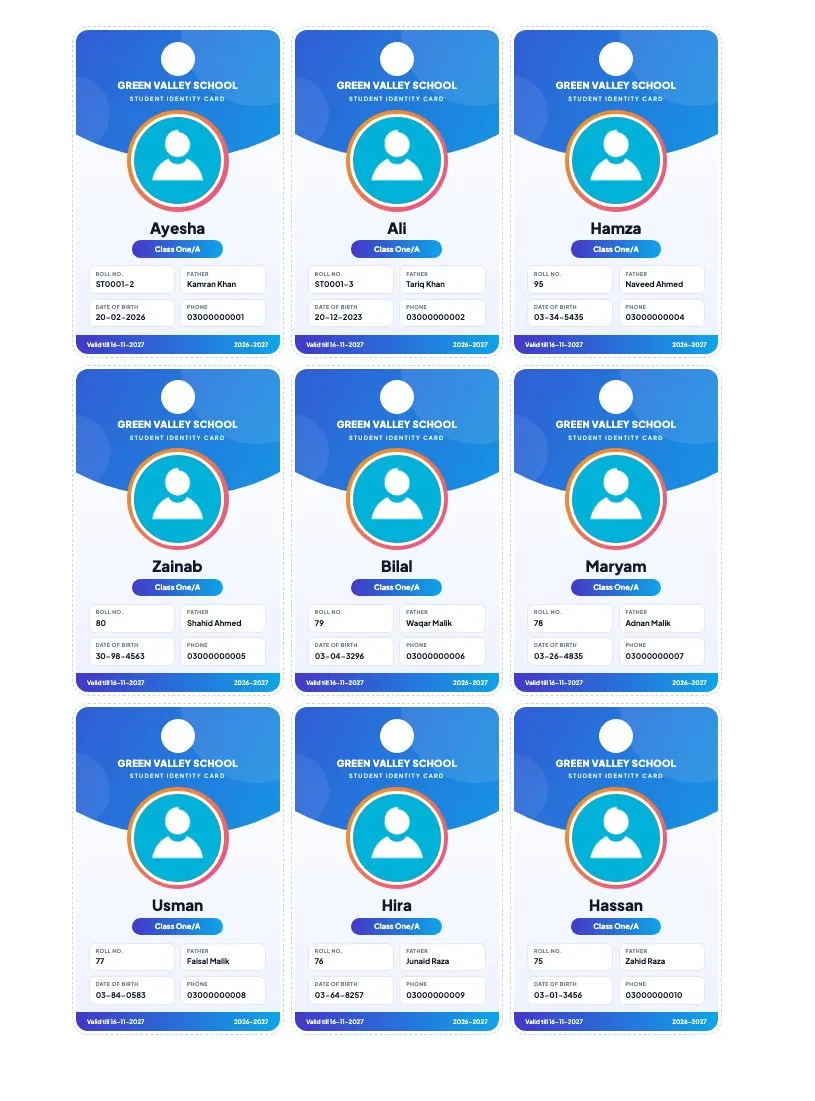
Design and print student and staff ID cards with photo and QR code, transport and gate passes, and certificates: leaving, character, birth and more.
WhatsApp & SMS Alerts
Send fee reminders, absent alerts, results, diaries and notices to parents on WhatsApp, SMS, email and app notifications — automatically or in bulk.
Teacher Portal
Teachers mark attendance, enter marks, write the diary, check homework, plan lessons and track syllabus — only for their own sections and subjects.
Related articles
Biometric Attendance System for Schools: A Complete Guide
Fingerprint, face, ID-card QR or teacher app — which attendance method suits your school, how it connects to software, and how parents get absent alerts.
School Management Software Free Trial: Try It for 3 Days
Create a free OurSchoolSoftware account in minutes and use every feature for 3 days — what you get, how to verify, and what to test first.
What Is School Management Software and How Does It Work?
What school management software (school ERP) is, what it does for admissions, fees, attendance and exams, and how a cloud school system works day to day.
Try OurSchoolSoftware free for 3 days
Create your free account in two minutes — no payment needed. Your school is ready to use straight away, with every feature of the package you choose.