
Short answer: Parents can pay school fees from their phone by JazzCash, Easypaisa, bank transfer, card or the Kuickpay bill number on the voucher. When the school software is connected, the payment is matched to the student, the fee is marked paid and a receipt is sent — with no manual entry.
Why schools are moving fees online
Long queues at the fee counter, cash handling and manual entry errors cost schools time and money. Online payment lets parents pay any time, reduces defaulters and gives the accountant a clean record of every payment.
Ways parents can pay
- Kuickpay bill number: printed on the voucher; parents pay through almost any banking app, JazzCash or Easypaisa. The software answers the bill inquiry and records the payment automatically.
- Payment link: sent on WhatsApp with the voucher; the parent pays by card or wallet.
- Bank transfer: to the school's account, recorded by the accountant.
- Parent app: pay from the fee screen of the parent app.
What happens after the parent pays
- The payment arrives with the student's roll number (consumer number).
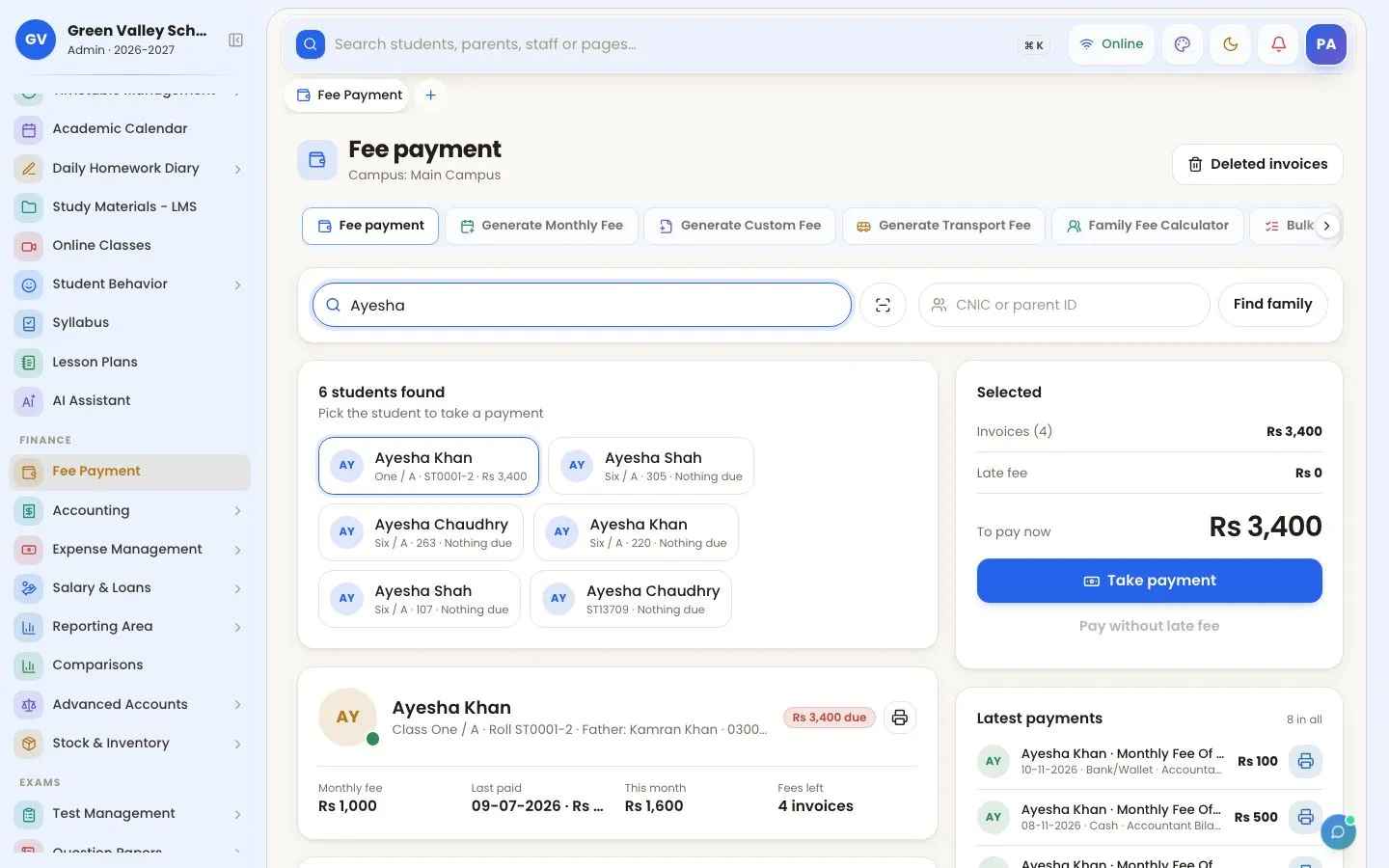
- The software checks the amount against the voucher and marks the fees paid.
- The parent gets a receipt on WhatsApp with any remaining dues.
- The payment appears in the day's income report under "online".
Tips for a smooth start
- Print the bill number and a short "how to pay" note on every voucher.
- Set a voucher validity date so late payments include the late fee.
- Announce online payment on WhatsApp with a short video.
Read more about fee management or create a free account to try it.
Frequently asked questions
Can parents pay school fees with JazzCash or Easypaisa?
Yes. Using the bill number on the voucher or a payment link, parents can pay with JazzCash, Easypaisa, banking apps or cards.
Is the fee marked paid automatically?
Yes. When online payment is connected, the software records the payment against the student's fees and sends a receipt.
Features mentioned in this guide
Try OurSchoolSoftware free for 3 days
Create your free account — no payment needed.
Create free account