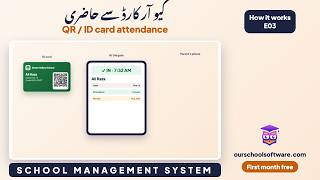
This video is 1 minute long and shows who sees what on the real screens of the software, step by step, with Urdu and English captions. It is for school owners, principals and anyone deciding how the school will work. Below are the same steps in writing, so you can follow along at your own pace or come back to a step later.
Step by step
1. Overview
- Super admin: everything, on every campus
- Admins: only the parts you allow in Admin roles
- Accountant: fees and expenses, within limits
- Teacher: only their own classes and subjects
- Parents: only their own children
- Students: their own homework, results and fees
- Gatekeeper, librarian and driver: just their own job
The names and numbers in the video are from a demo school and are made up.